Organization logo

XP Network

XP Network is a fan engagement and rewards platform focused on gamifying real-life activities. Players earn experience points through play, purchases, participation and events, then spend their XP anywhere across a growing network of publishers, retailers, and conventions. XP Network has created a unified ecosystem where fans get rewarded everywhere they show up.
  1. October 8, 2026

    Get your event sponsored, and reward players with Items

    Request sponsor support. When you set up an event, ask the publisher or brand behind your game to back it with XP to give out, achievements your players can unlock, and Items they can earn and level up. The sponsor reviews the request in their Hub, picks the rewards, and approves it. Your event becomes Official, and those rewards show up in your event’s Rewards area.

    • Finalize your date, time, and location first, and be sensible about what you ask for.

    • Sponsors have 7 days to respond.

    • If your event details change after approval, the sponsorship is withdrawn and you send a new request.

    • You get notifications and emails when a request is sent, approved, or withdrawn.

    Meet Items. Achievements are earned once. Items live in a player’s inventory and change over time.

    • Trophy: an award a player earns again and again, like a league champion belt

    • Stat: something you track, like life points, rank, or wins

    • Effect: an ability a player can use, like a power boost

    Open Adjust User Inventories to give a Reward (level up and give XP) or a Penalty (level down and take XP). Change a level by an amount or set it exactly, and import an event’s attendees to adjust everyone at once. Players pin Items to their profile to show them off.

    Coming soon: Items on quest steps, like a dice roll that decides whether a player levels up, gains XP, or loses XP.
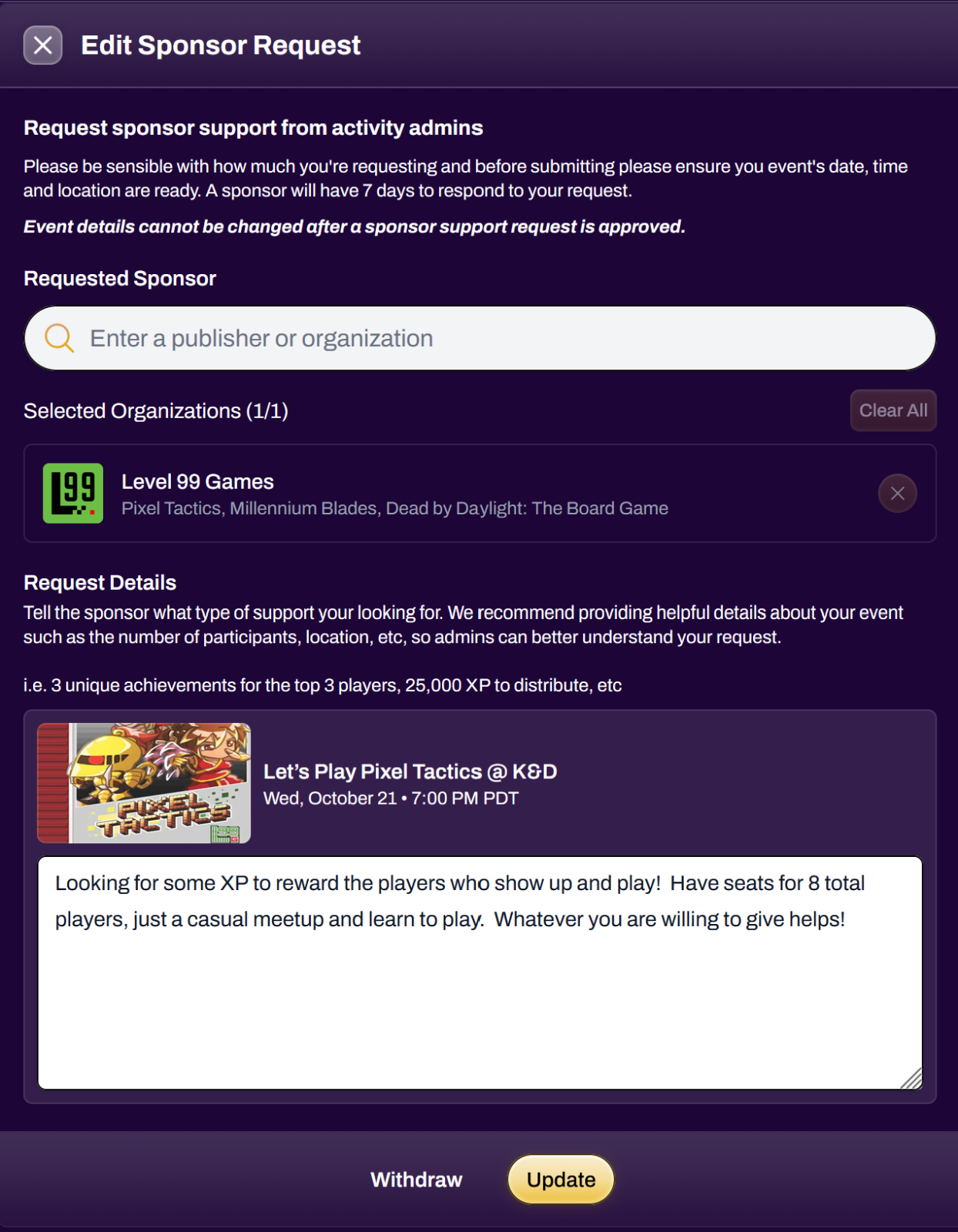
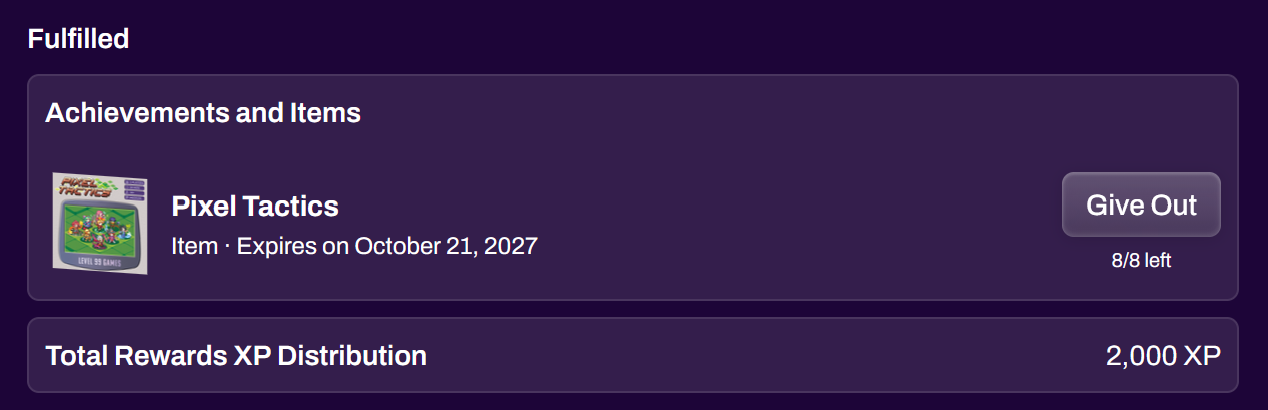
    Sponsorship RequestAchievements and Items

    Learn more

  2. October 8, 2026

    Tournaments, minus the spreadsheet

    Swiss

    • Reset pairings for a round without deleting later rounds

    • Swap or remove competitors in a live round

    • Avoid repeat tables, so players don’t sit at the same table round after round

    • Rematch conflicts resolve down the standings, so top seeds are not pushed down two brackets

    • Players see pairings when the round starts, not before

    Brackets and play

    • A faster, cleaner bracket view

    • Better match result reporting and top cut fixes

    • A browser overlay source for OBS and streaming

    • Notifications when a round completes and when a tournament ends

    • A redesigned tournament editor and workspace

    • Win, loss, and draw display is now a tournament-wide setting

    Learn more

  3. September 25, 2026

    Turn your show floor into a game: quests at Origins

    At Origins Game Fair 2026, XP Network ran 35 quests across the convention. Players hunted quest stops at booths, tables, and stages, earning XP and achievements at every scan. Then they spent that XP at our on-site Shopify booth before the weekend was over.

    The results (June 17 to 21, 2026)

    • 1,104 players completed at least one quest step, about 1 in 10 attendees

    • 959 of those players were brand new to XP Network

    • 507 players finished at least one full quest

    • 1,936,070 XP paid out to 640 players

    • 304 players spent 680,950 XP at the on-site Shopify booth

    The loop. Quests gave people a reason to walk the floor, and XP gave them a reason to come back to the booth. Shopify closed the loop at the register: players scanned their XP card and spent XP on the spot. No second account, no coupon code.

    Hear it from the players

    Run your own quest. One step or many, in order or any order. Steps unlock with printed QR codes, live rotating QR codes on a screen or stream, or staff scanning a player’s XP card. Quests even work on a live stream. Quests are on Plus and above.

    What’s new for Shopify and POS since Origins

    • XP earn preview on your storefront, even for signed-out shoppers

    • Thank You page shows the XP each order earned

    • Loyalty billing in your store’s currency

    • POS player lookup by username, email, or phone if a scan fails

    • POS spends only the XP the cart needs, and keeps the discount if the XP card is scanned first

    • Birthday verification at POS

    Coming soon: Items in quests. Picture a dice roll at a quest stop: roll high and level up, roll low and lose XP.

    Learn more

  4. September 10, 2026

    Anyone can create an event, and every calendar stays in sync

    Anyone can create an event. You no longer need an organization. Every verified player can create an event from the Create Event button in the header.

    Start from a template

    • Quick Event for game nights and casual meetups

    • Quick Tournament for a single bracket or Swiss event

    • Large Event / Multi Day for weekends and multi-session events

    • Convention for multiple tracks, schedules, and staff

    • Custom Event for a blank slate

    A rebuilt event setup. Everything lives in three areas: Event Basics (details, schedule, location, images, visibility), Build and Sell (tickets, add-ons and merch, coupons, orders, XP checkout), and Management (staff, attendees, updates, rewards, tournaments). You also get a new checkout, ticket refunds and revocation, cash-in-person products, drafts that save as you go, event time zones, and tickets in your local currency.

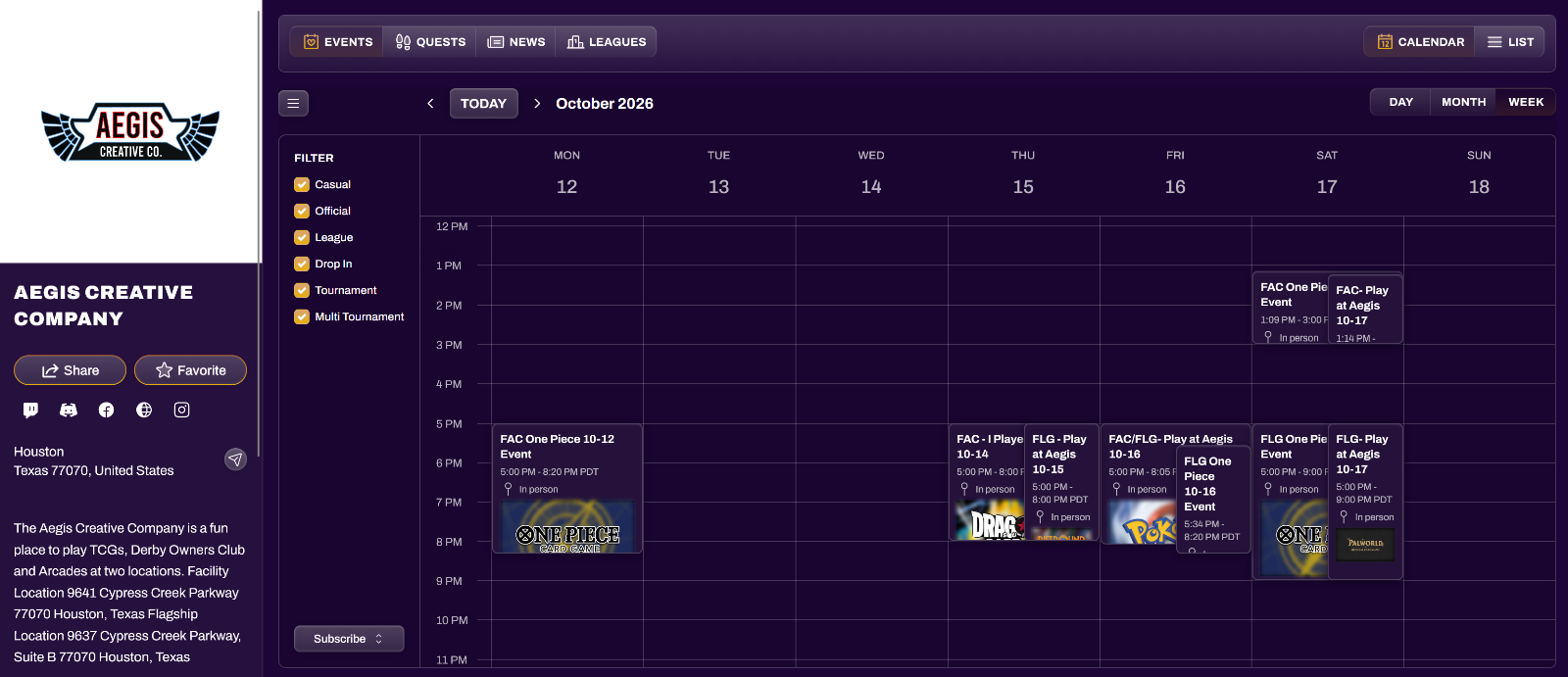
    Calendars that keep themselves up to date. Every organization has an event calendar on its profile, with filters for casual, official, league, drop-in, and tournament events.

    • Subscribe once, stay synced. Players subscribe in Google Calendar, Apple Calendar, Microsoft Outlook, or Microsoft 365. Change a start time, move a location, or add a tournament, and it reaches their calendar on its own. It works like an RSS feed for your events.

    • Built to stay in sync. Feeds rebuild whenever an event, or anything attached to it (tournaments, leagues, quests), changes.

    • Embed it anywhere. On Plus and above, the Calendar Embed Builder in your Hub makes a snippet for your website, Shopify store, or blog.

    • Add to Calendar works on every event, and developers can use the Calendar API.


    Learn more

  5. September 1, 2026

    Introducing Monarch Game Studios

    BIG ANNOUNCEMENT We have been working toward this moment for a long time!

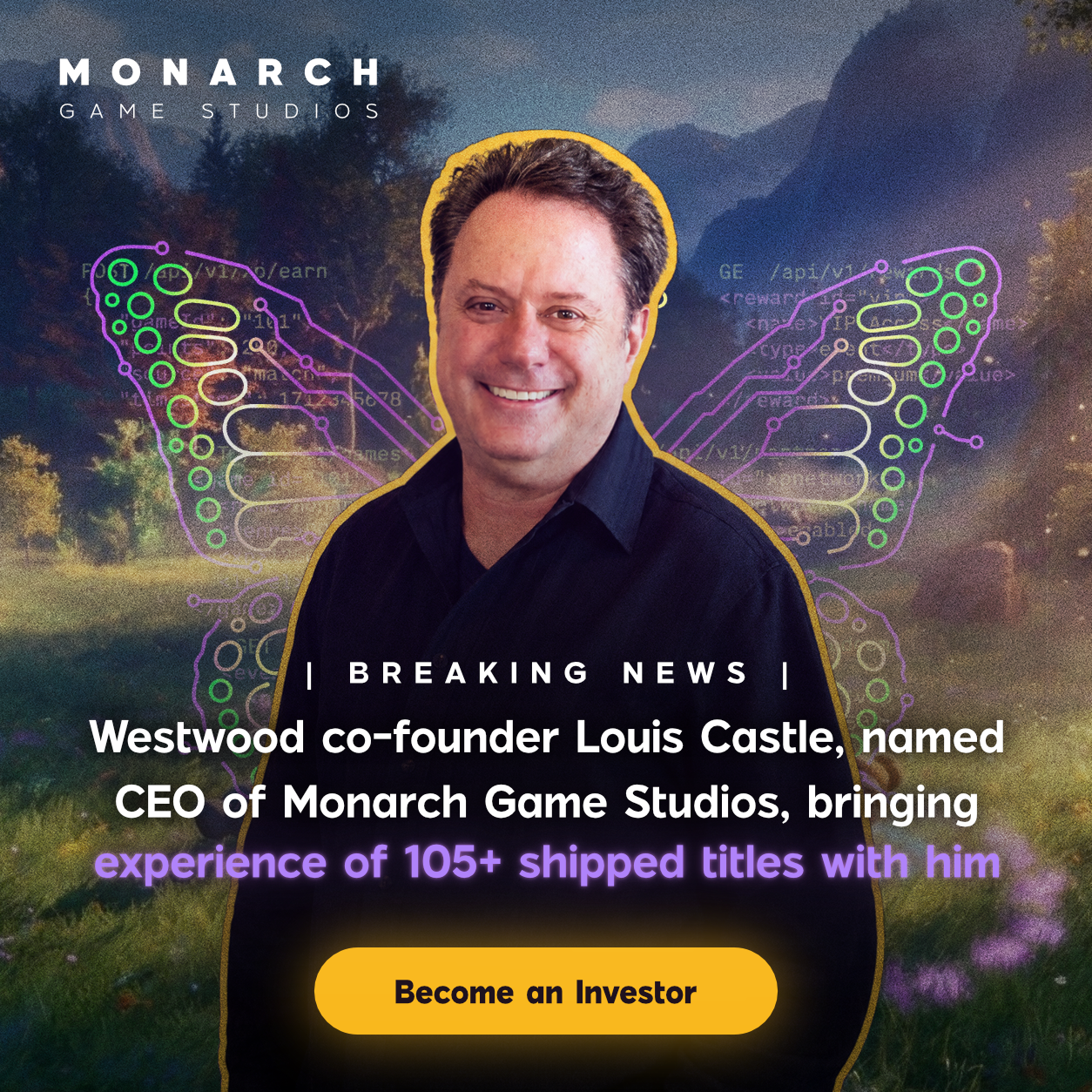
    Today we officially launched Monarch Game Studios, a video game studio built on the idea that players deserve more than just a good game. They deserve to be rewarded for showing up. Monarch makes games, publishes games for other studios, and plugs everything into the XP Network platform so your playtime means something real.


    Lou Castle, the man who created Command and Conquer, is our CEO. Catalyst Game Labs and Rising Empire Studios are founding partners. And as of today, anyone can invest at $1 a share with 8% bonus stock for limited time.


    We are going live on XP Network at 4:00pm PST / 7:00pm EST on YouTube and Twitch to celebrate and answer everything the community has for us.

    Come hang out with the team that built this.

    Jason Hawronsky - CEO, XP Network
    Lou Castle - CEO, Monarch Game Studios
    Loren Coleman - CEO, Catalyst Game Labs
    Ridge and Garrett Kiley - Owners, Rising Empire Studios


    invest.monarchgamestudios.com

Page 1 of 2

Update

October 8, 2026

Tournaments, minus the spreadsheet

Swiss

  • Reset pairings for a round without deleting later rounds

  • Swap or remove competitors in a live round

  • Avoid repeat tables, so players don’t sit at the same table round after round

  • Rematch conflicts resolve down the standings, so top seeds are not pushed down two brackets

  • Players see pairings when the round starts, not before

Brackets and play

  • A faster, cleaner bracket view

  • Better match result reporting and top cut fixes

  • A browser overlay source for OBS and streaming

  • Notifications when a round completes and when a tournament ends

  • A redesigned tournament editor and workspace

  • Win, loss, and draw display is now a tournament-wide setting

Learn more